Here’s how I use Workspace ONE UEM to synchronize Microsoft EntraID user profile photos with the local macOS account. Shortly after working on this I learned that Apple Platform SSO for macOS 26 introduced a new key to do this for you, if the Identity Provider updates their app to support it. In the meantime here’s one method to get this working immediately.
Login to https://entra.microsoft.com and select “App registrations” from the left-hand blade.
Select “New Registration” and give the app a name.

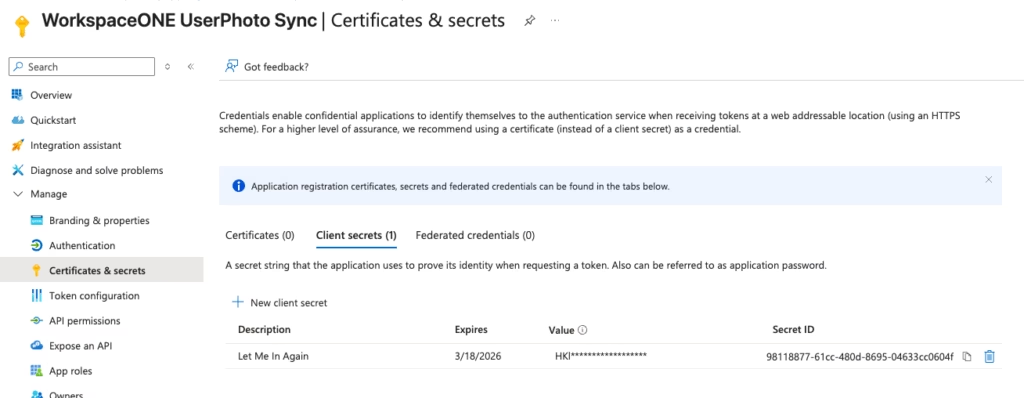
Navigate to the “Certificates & Secrets” section of the App registration and generate a new Client Secret. Copy those values for use later on.
Select the “API Permissions” where the permissions default to “User.Read.” For this to work add the permission “User.Read.All”
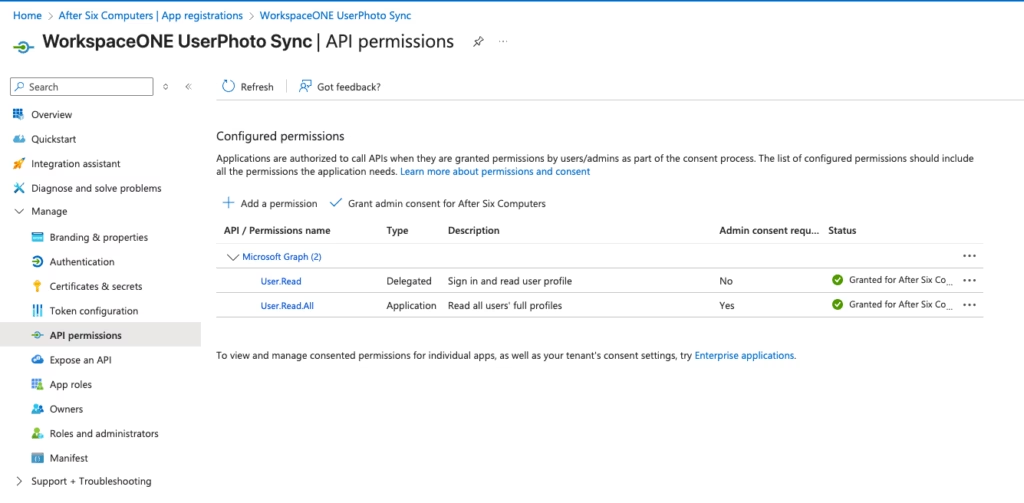
After adding the “User.Read.All” permission, select the option above the table to “Grant admin consent.”
Open the Workspace ONE UEM Console and navigate to Resources > Scripting > Scripts.
Add a New macOS Script.
Give the new script a name and select Next
On the Details page set the following:
Language = ZSH
Execution Context = System
Timeout to 120
Download the full script from Github and copy and paste it into the Details section.
Select Next to bring up the Variables page and define the following IN ORDER:
TENANT_ID = Microsoft EntraID Tenant ID visible in the Microsoft EntraID admin center on the Overview Blade
UPN_PARAM = {UserPrincipalName}
CLIENT_ID = the value from the EntraID App Registration
DEFAULT_DOMAIN = the domain to sync the users from
CLIENT_SECRET = the value from the EntraID App Registratin
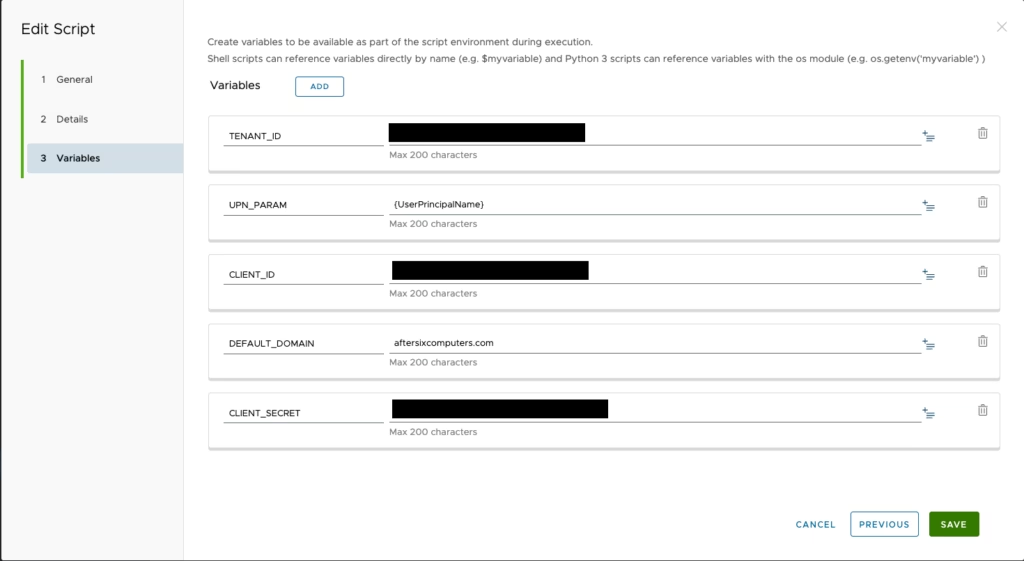
Save the script and deploy it.
And now all of your users will have a local macOS profile photo that matches the profile photo published in Microsoft EntraID.
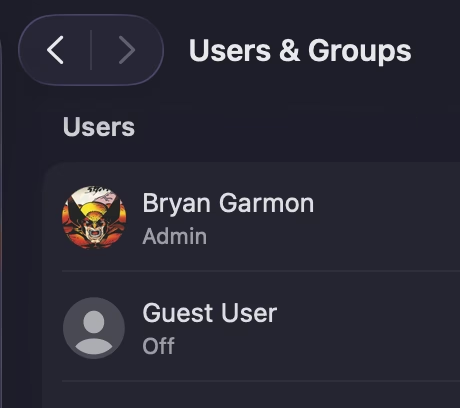
Bonus tip:
For populating the user photos here are two free options that work wonderfully:
CodeTwo Active Directory Photos:
https://www.codetwo.com/freeware/active-directory-photos
CodeTwo User Photos for Office 365
https://www.codetwo.com/freeware/user-photos-for-office-365/
Its like you read my mind You appear to know so much about this like you wrote the book in it or something I think that you can do with a few pics to drive the message home a little bit but other than that this is fantastic blog A great read Ill certainly be back